episki for macOS, Windows, and Linux

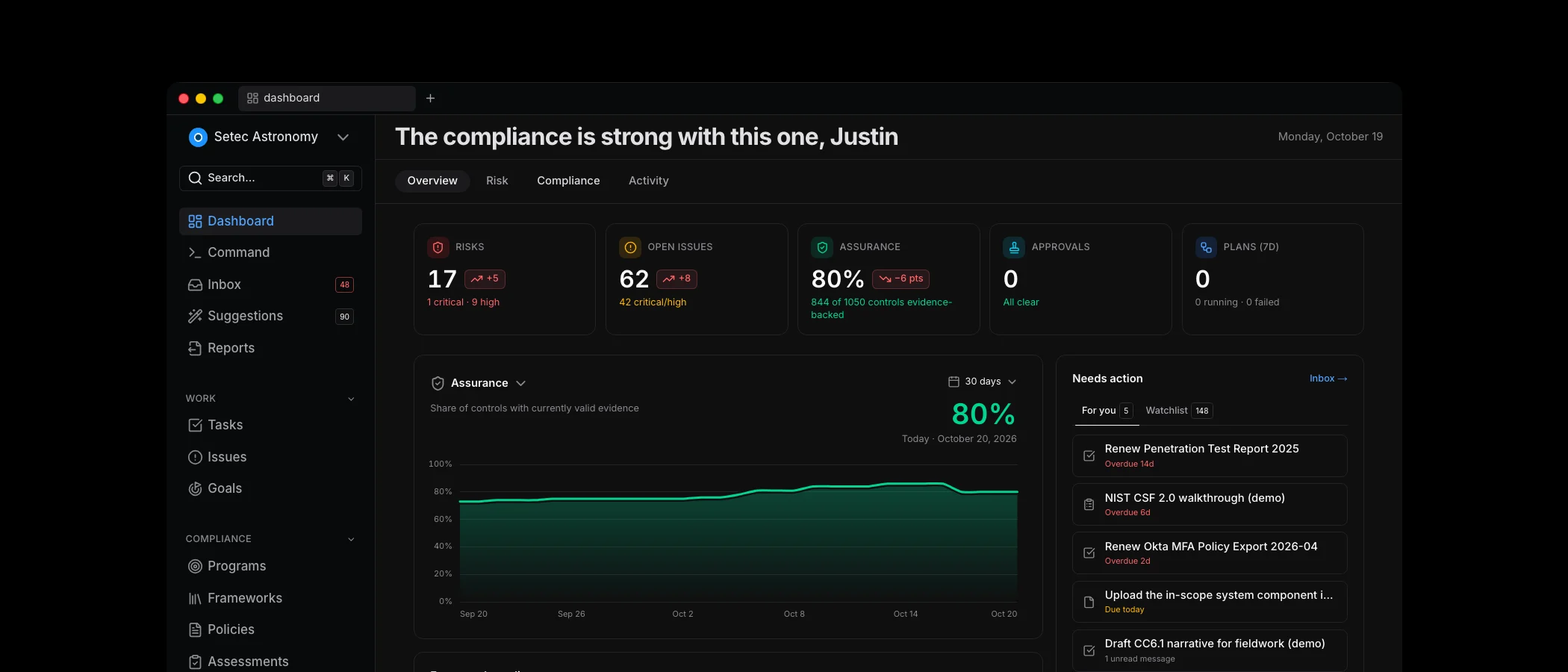
The desktop app is episki in its own window, on macOS, Windows, and Linux, with the things a browser tab cannot do: workspace tabs that remember where you were, notifications that reach you when the window is in the background, and updates that install themselves. It uses the same login and the same data as the web app, so nothing changes about how you work — only where. Get it at episki.com/download.
The other half of this release is about the first week and the fiftieth.
The first week is guided setup. A new workspace no longer lands on an empty dashboard and a checklist. It walks you through one decision at a time — what you are, which frameworks fit, what scope, when the audit is — and finishes with a plan dated back from that audit. Frameworks adopted together are mapped to each other on the way in, and the policy-writing tasks are already in the agent's hands.
The fiftieth week is scheduled reports. A report used to compute in your browser, which meant someone had to open it. Now a report runs on a schedule, is frozen when it runs, optionally waits for an approver, and is emailed to whoever needs it — inside the workspace or not. The board gets the same numbers you reviewed, every month, without anyone remembering to send them.
In between, the app got easier to read. Programs, Assessments, and Vendors open on an overview instead of a table, approvals live in the Inbox, and mapped controls are visible wherever a control is, so evidence you attach once can count everywhere it should.
- Desktop apps for macOS, Windows, and Linux
- Guided setup from signup to a dated implementation plan
- Scheduled reports with approval, external delivery, and expiring links
- Whole-workspace reports and five new templates
- Approvals in the Inbox and overview dashboards
- Mapped controls everywhere, per-scope owners, and evidence renewal tasks
- A services directory for auditors, QSAs, and vCISOs
- Per-instruction PCI responses and a ROC table that matches the template
AWS Permission Updates You Approve in episki, Never Beyond SecurityAudit
The AWS stack now registers itself, offers AWS's managed SecurityAudit policy, adds baseline posture checks, rolls out across an Organization, and can update itself when you click approve — with a permissions boundary that caps it at SecurityAudit. Plus dashboard trend history, one chat surface with edit and resend, agent sessions in the activity feed, and saved views on every list.
Agent-first GRC: what changes when AI runs the program
Most GRC tools added AI as a feature. Agent-first GRC treats agents as the operator — drafting policies, answering questionnaires, and running the program with humans approving the work that matters.